

React
Next.js
TypeScript
Tailwind
AI
Node
</>
tech-icon
tech-icon
tech-icon
tech-icon
Web Development

AI Lesson Planner

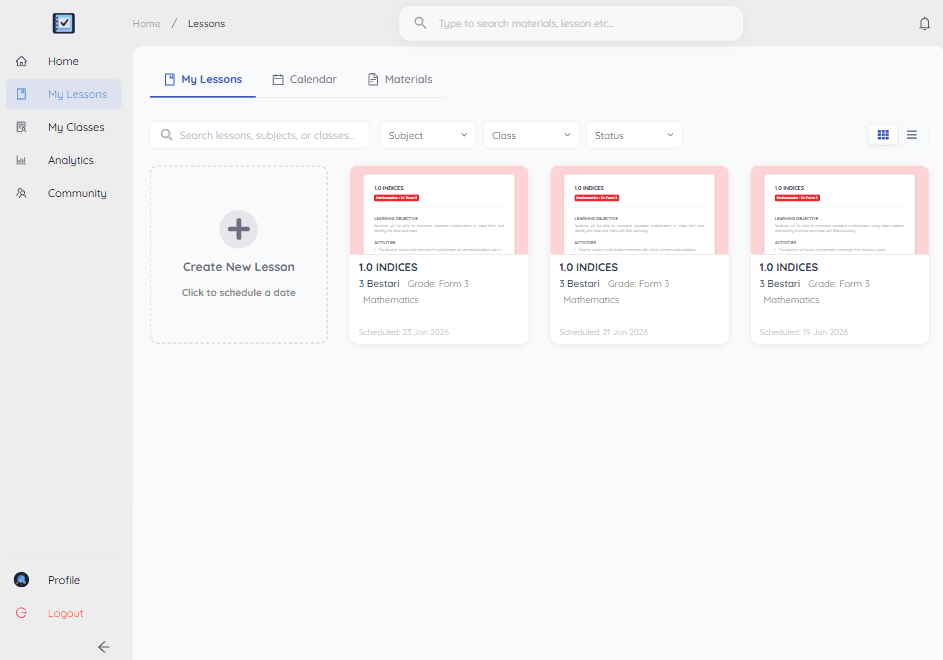
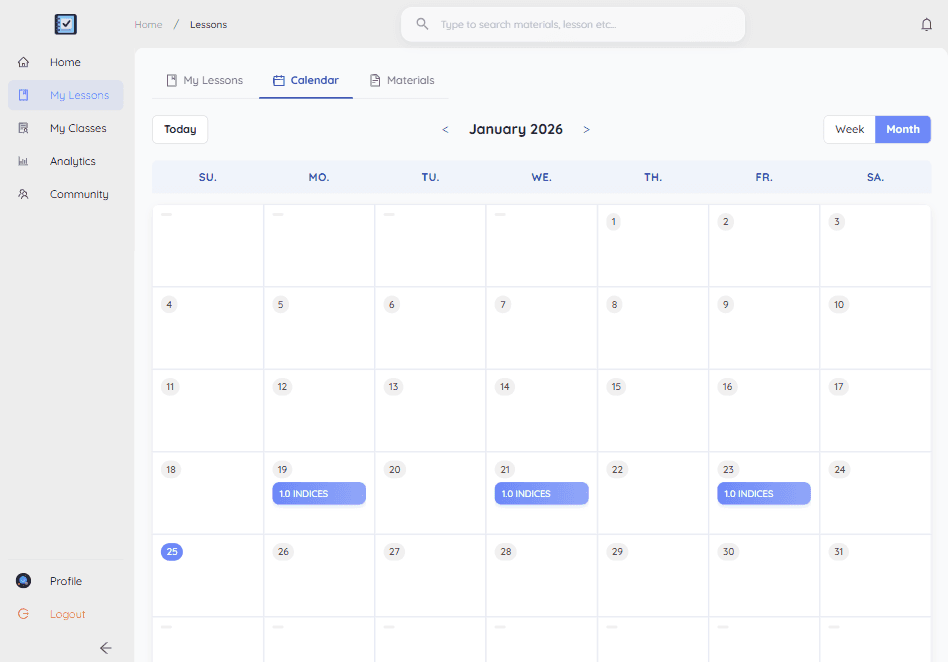
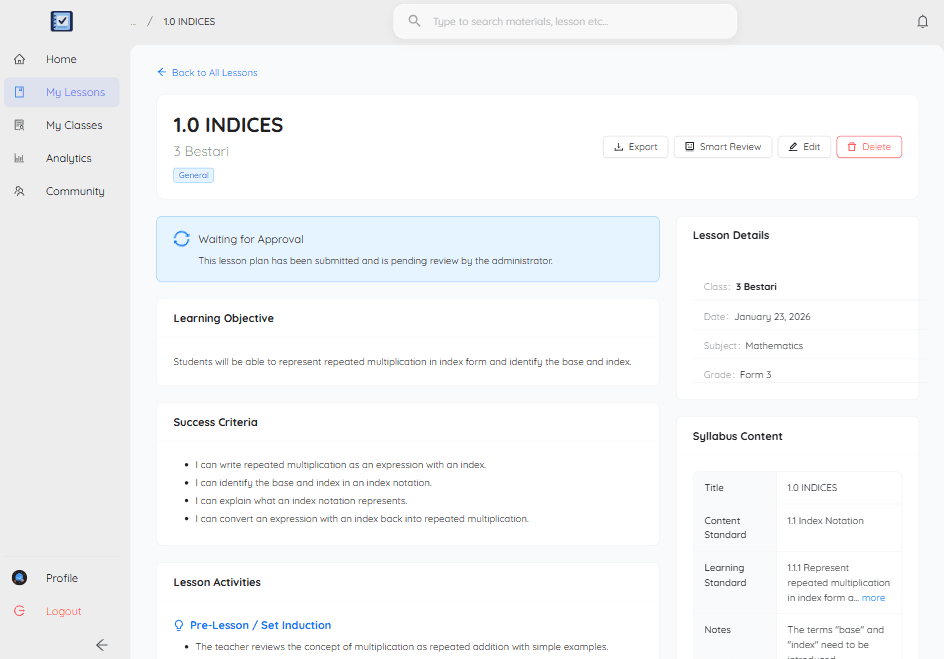
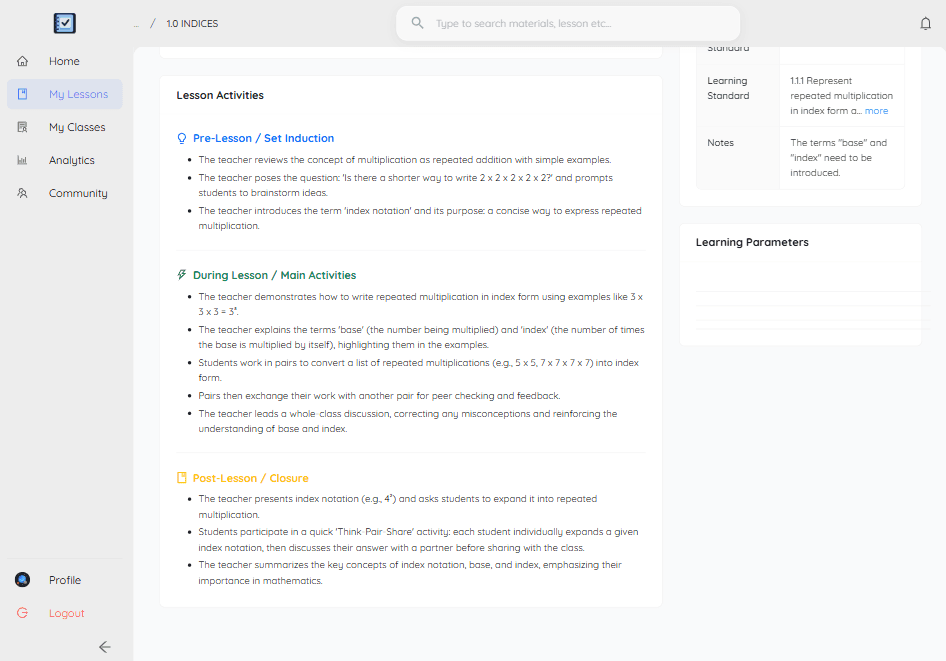
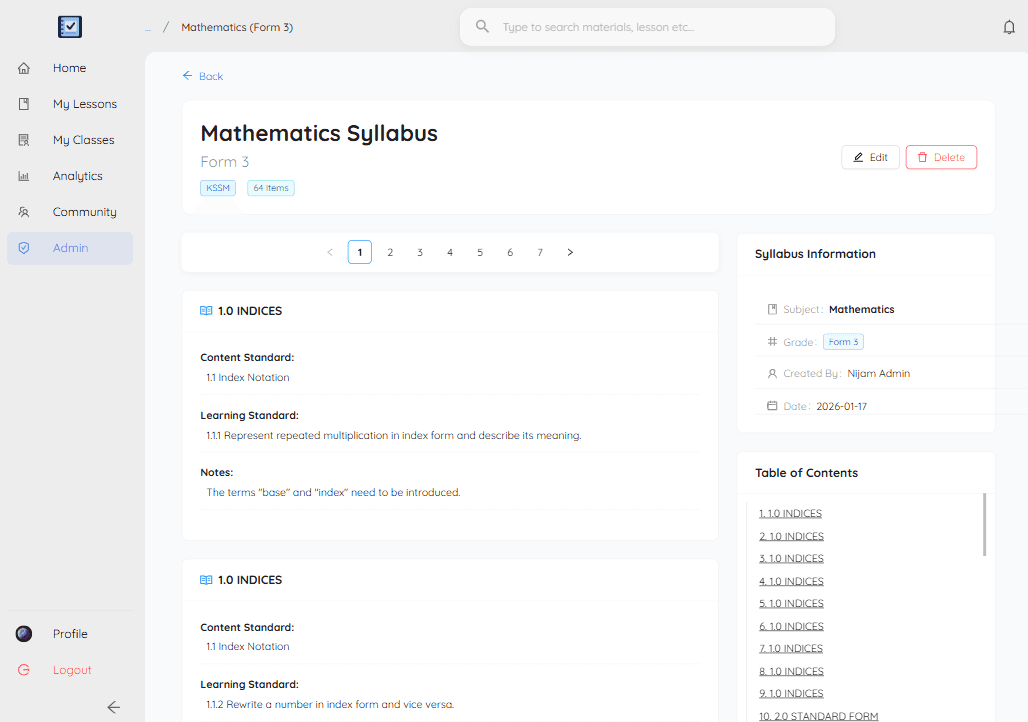
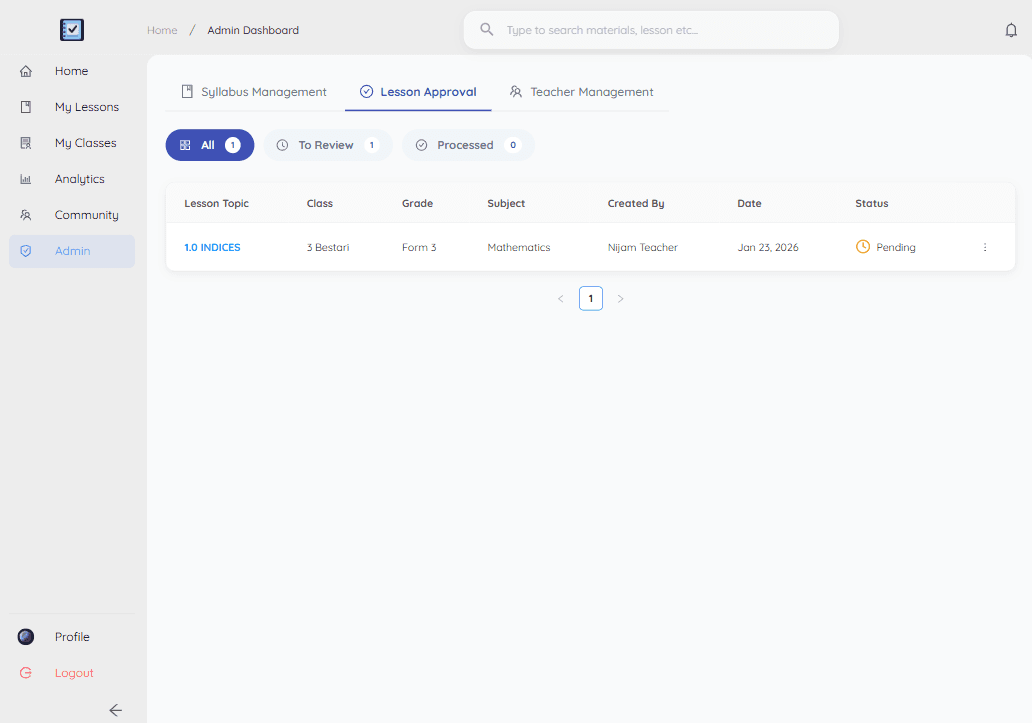
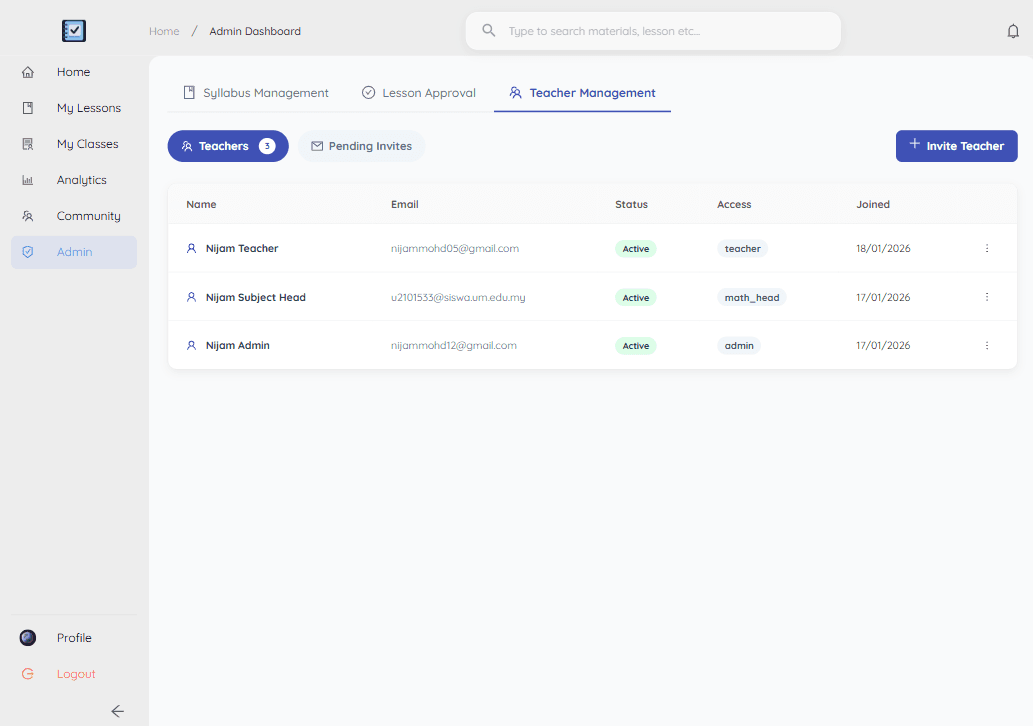
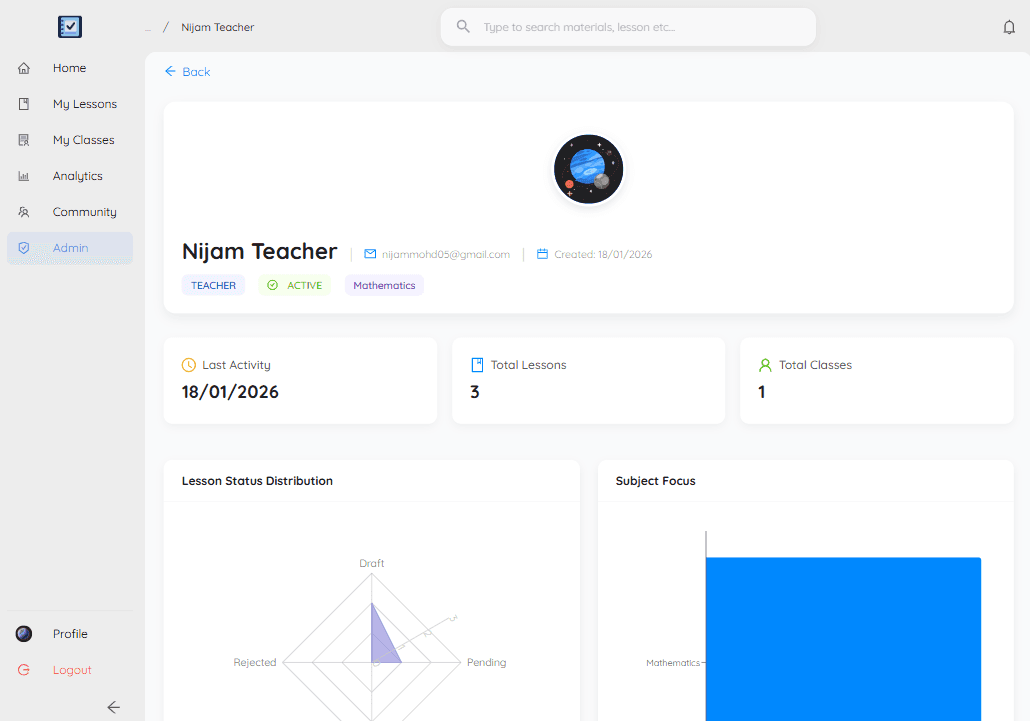
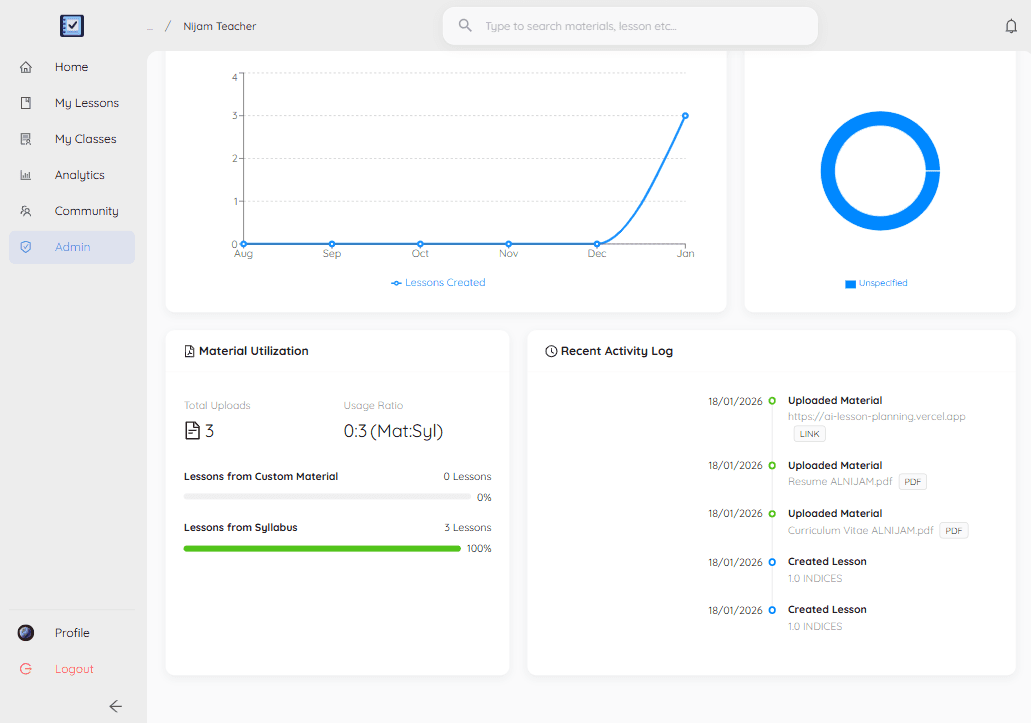
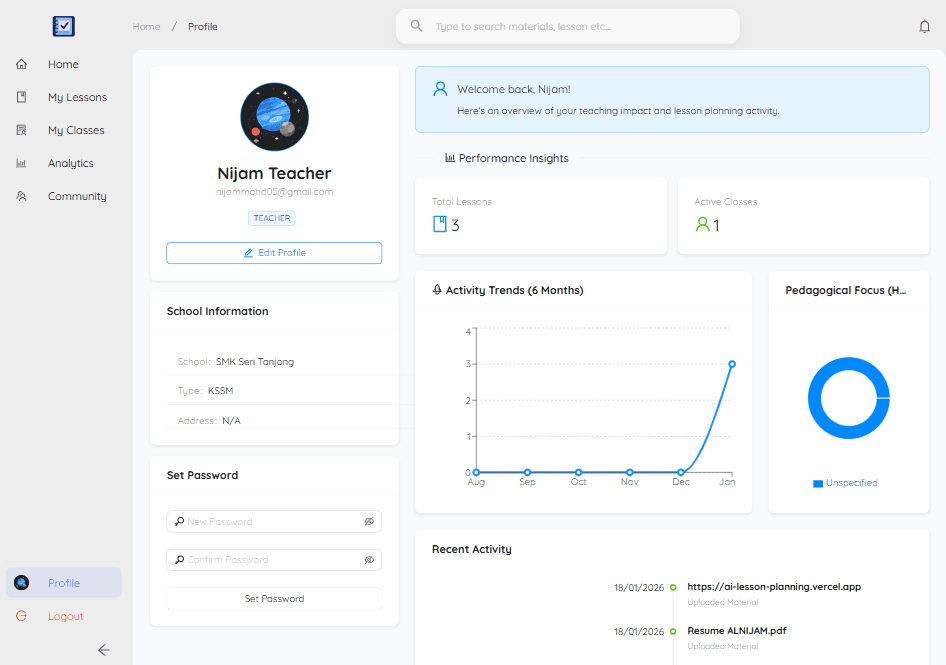
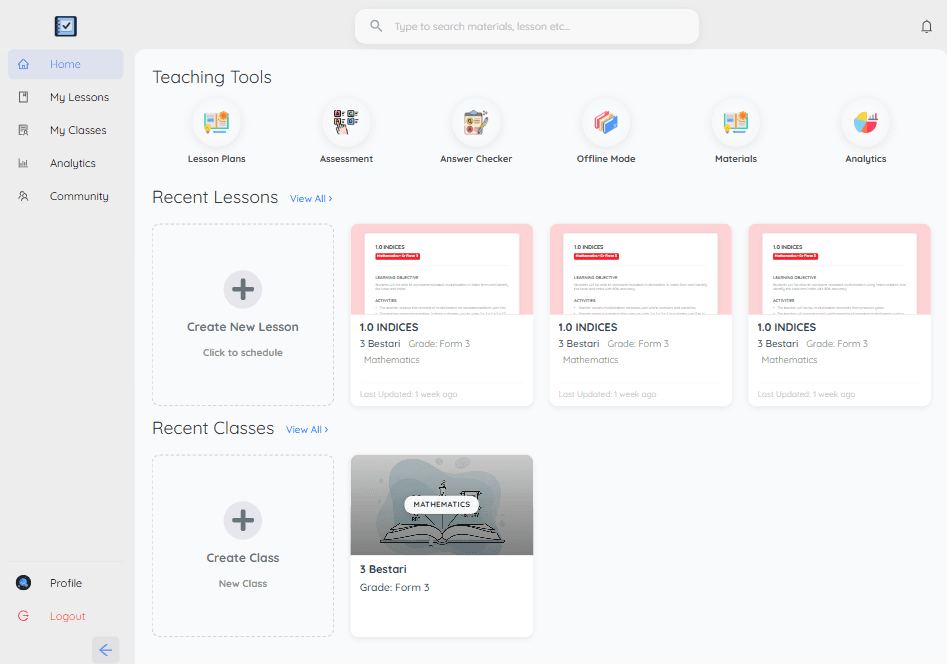
An academic project built to automate the lesson planning process for teachers using Generative AI. Built a full-stack web application using React and Node.js. Integrated Google Gemini LLM with Retrieval-Augmented Generation (RAG) to generate context-aware lesson plans. Implemented Socket.io to provide real-time status alerts and notifications to users during content generation.

Tech Stack

ReactNode.jsGoogle GeminiSocket.ioMERNRAG

Key Features

  • Automate lesson planning using Generative AI
  • Context-aware generation with RAG and Google Gemini LLM
  • Real-time status alerts via Socket.io
  • Full-stack MERN implementation

Project Gallery
AI Lesson Planner 1
1 / 15
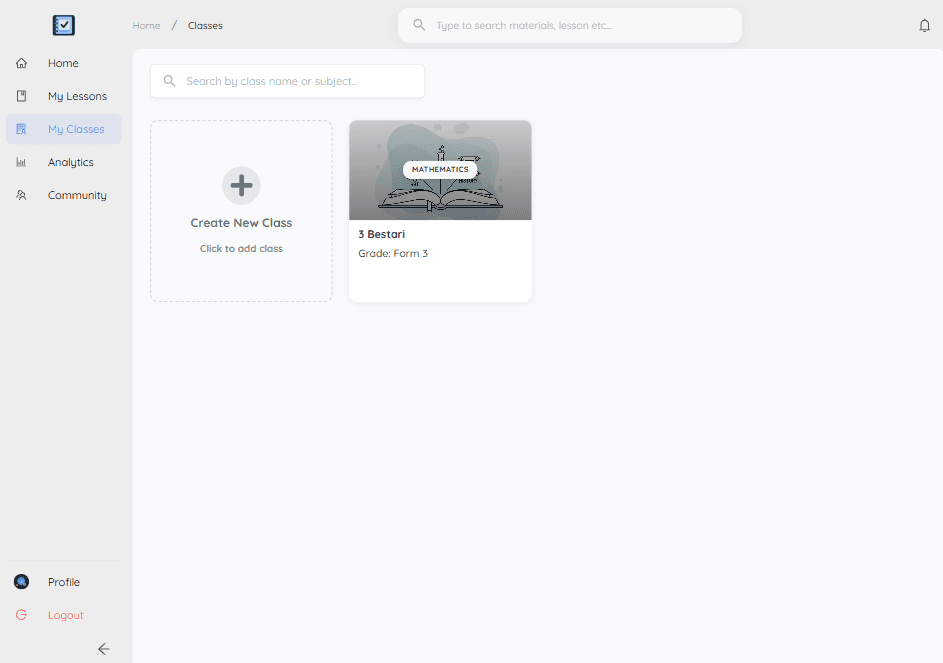
AI Lesson Planner 2
2 / 15
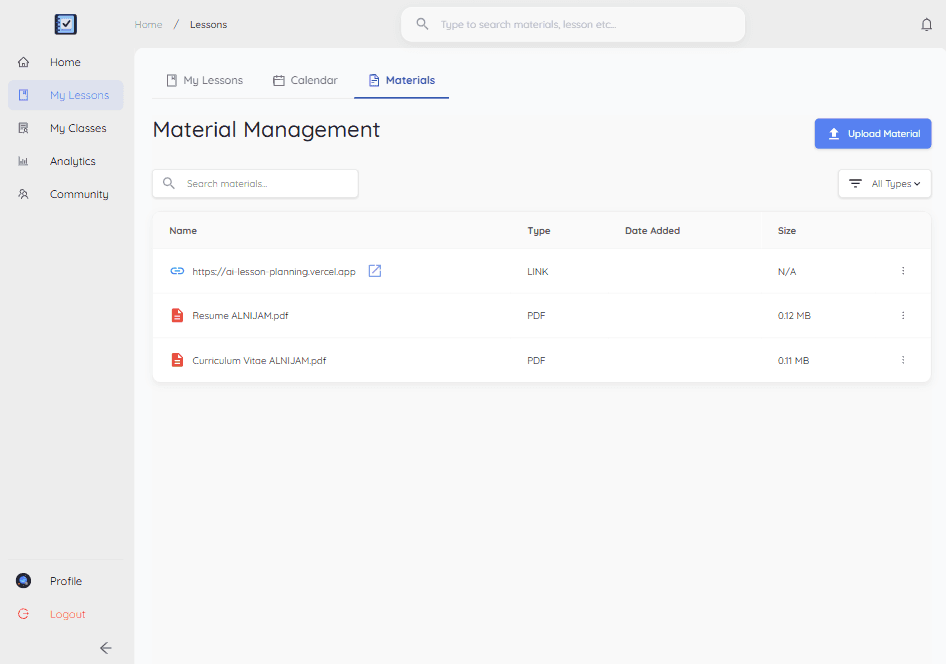
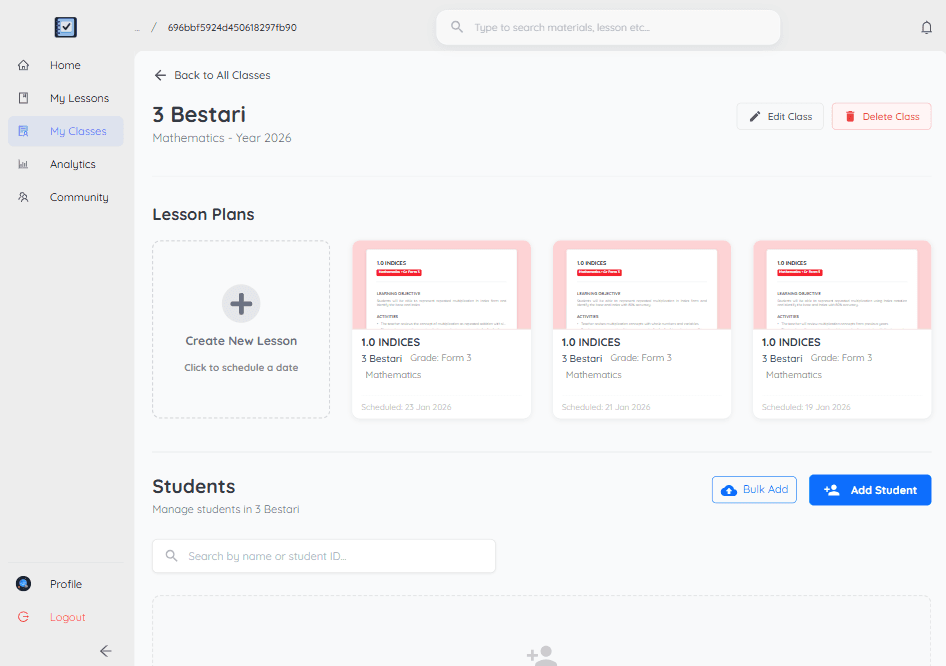
AI Lesson Planner 3
3 / 15
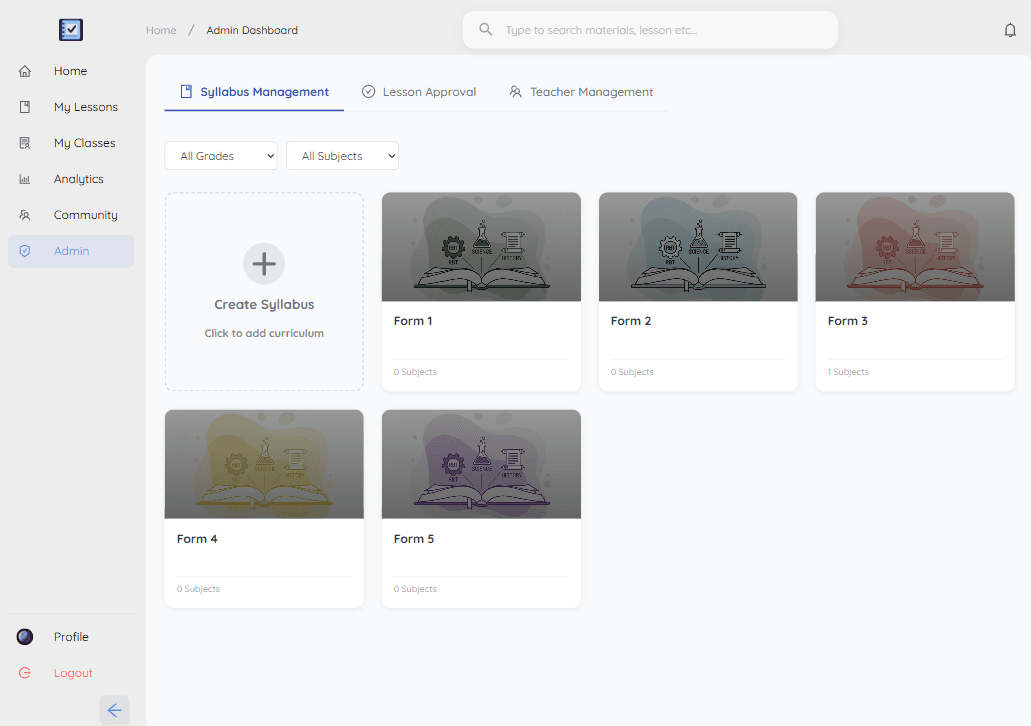
AI Lesson Planner 4
4 / 15
AI Lesson Planner 5
5 / 15
AI Lesson Planner 6
6 / 15
AI Lesson Planner 7
7 / 15
AI Lesson Planner 8
8 / 15
AI Lesson Planner 9
9 / 15
AI Lesson Planner 10
10 / 15
AI Lesson Planner 11
11 / 15
AI Lesson Planner 12
12 / 15
AI Lesson Planner 13
13 / 15
AI Lesson Planner 14
14 / 15
AI Lesson Planner 15
15 / 15

Swipe to view

Technical Highlights

Lesson Generation with Gemini (Backend)

This controller function handles the core logic of using Google Gemini AI to generate a structured lesson plan based on teacher inputs, SOW data, and optional uploaded materials.
javascript
1exports.createLesson = async (req, res, next) => {
2 try {
3 const {
4 classId,
5 sow,
6 grade,
7 specificTopic,
8 activityType,
9 additionalNotes,
10 } = req.body;
11
12 // ... [Validation logic skipped for brevity] ...
13
14 const user = await User.findById(req.user.id).select("+geminiApiKey");
15 const geminiApiKey = user.getGeminiApiKey();
16
17 const genAI = new GoogleGenerativeAI(geminiApiKey);
18
19 // --- Context & Prompt Building ---
20 let promptContext = `
21 You are a Malaysia Educator. Your task is to create a lesson plan tally to Scheme of Work (SoW), You may be creative, engaging 60-minute lesson plan for a ${grade} class for the subject: ${subject}.
22 `;
23
24 // 1. Material & SOW Logic
25 if (materialPart || materialContent) {
26 promptContext += `
27 IMPORTANT: Base your lesson plan primarily on the provided material (attached document or text context).
28
29 ${materialContent ? `--- MATERIAL CONTEXT ---\n${materialContent}\n--- END MATERIAL CONTEXT ---` : ""}
30
31 You should still align it with the SoW topic if provided below, but prioritize the material content.
32 SOW/Curriculum Context (for alignment only):
33 ${JSON.stringify(sow, null, 2)}
34 `;
35 }
36
37 // ... [Prompt parameters construction] ...
38
39 promptContext += `
40 The ONLY acceptable format for the 'activities' object is shown in this example (Adapt content for ${subject}):
41 {
42 "learningObjective": "By the end of the lesson, students will be able to...",
43 "successCriteria": [ "I can...", "I can..." ],
44 "activities": {
45 "preLesson": [ "Teacher introduces...", "Students..." ],
46 "duringLesson": [ "Activity 1...", "Activity 2..." ],
47 "postLesson": [ "Closure activity..." ]
48 }
49 }
50 `;
51
52 // Call Gemini AI
53 const model = genAI.getGenerativeModel({ model: "gemini-2.0-flash" });
54 const result = await model.generateContent([promptContext]);
55 const response = await result.response;
56 const text = response.text();
57
58 // Parse and Validate JSON
59 const generatedPlan = JSON.parse(text.replace(/\`\`\`json/g, "").replace(/\`\`\`/g, "").trim());
60
61 // Validation using Joi
62 const { error, value } = lessonPlanValidationSchema.validate(generatedPlan);
63 if (error) throw new Error(`AI response failed validation: ${error.details[0].message}`);
64
65 res.status(200).json({ success: true, data: value });
66
67 } catch (error) {
68 console.error("Lesson generation error:", error.message);
69 res.status(500).json({ success: false, message: error.message });
70 }
71};
72
Real-time generation UI showing progress steps

AI Pattern Analysis

This service analyzes a teacher's past lessons to detect patterns (preferred days, activity types, etc.) which are then used to make smart suggestions.
javascript
1/**
2 * Analyze a teacher's lesson patterns for a specific class
3 */
4
5async function analyzeTeacherPatterns(userId, classId, limit = 30) {
6 try {
7 const lessons = await LessonPlan.find({ createdBy: userId, classId: classId })
8 .sort({ lessonDate: -1, createdAt: -1 })
9 .limit(limit)
10 .select("lessonDate createdAt parameters.activityType parameters.sow")
11 .lean();
12
13 if (lessons.length === 0) {
14 return { hasData: false, confidence: "low" };
15 }
16
17 return {
18 hasData: true,
19 confidence: calculateConfidence(lessons.length),
20 patterns: {
21 preferredDays: analyzeDayOfWeekPreference(lessons),
22 activityByDay: analyzeActivityByDay(lessons),
23 averageGapDays: calculateAverageLessonGap(lessons),
24 sowProgression: analyzeSOWProgression(lessons),
25 },
26 };
27 } catch (error) {
28 console.error("Error analyzing teacher patterns:", error);
29 throw error;
30 }
31}
32
33function analyzeDayOfWeekPreference(lessons) {
34 const dayCount = { Monday: 0, Tuesday: 0, /* ... */ };
35 lessons.forEach((lesson) => {
36 if (lesson.lessonDate) {
37 const dayName = new Date(lesson.lessonDate).toLocaleDateString("en-US", { weekday: "long" });
38 if (dayCount[dayName] !== undefined) dayCount[dayName]++;
39 }
40 });
41 // ... logic to find most preferred
42 return { counts: dayCount, /* ... */ };
43}
44
Smart Suggestion Service using AI Pattern Analysis

Secure Teacher Registration (Backend)

Handles teacher registration using a secure, pre-generated token to ensure only authorized staff can join a school.
javascript
1exports.registerTeacherWithToken = async (req, res) => {
2 const { name, email, password, registrationToken } = req.body;
3
4 // 1. Validate Token
5 const foundToken = await RegistrationToken.findOne({ token: registrationToken, isActive: true });
6
7 if (!foundToken || foundToken.expiresAt < new Date()) {
8 return res.status(400).json({ success: false, message: "Invalid or expired token." });
9 }
10
11 // 2. Create User linked to School from Token
12 const user = await User.create({
13 name,
14 email,
15 password,
16 schoolId: foundToken.schoolId, // Auto-assign school
17 role: "teacher",
18 // ...
19 });
20
21 // 3. Update Token Usage
22 foundToken.usageCount += 1;
23 if (!foundToken.isMultiUse || foundToken.usageCount >= foundToken.maxUsage) {
24 foundToken.isActive = false;
25 }
26 await foundToken.save();
27
28 sendTokenResponse(user, 201, res, "Teacher registration successful.");
29};
30

No Preview

JAVAJAVA
PYTHONPYTHON
REACT.JSREACT.JS
NEXT.JSNEXT.JS
GOOGLE GEMINIGOOGLE GEMINI
SPRING BOOTSPRING BOOT
DOCKERDOCKER
TYPESCRIPTTYPESCRIPT
NODE.JSNODE.JS
TAILWINDTAILWIND
POSTGRESQLPOSTGRESQL
RAG AI
JAVAJAVA
PYTHONPYTHON
REACT.JSREACT.JS
NEXT.JSNEXT.JS
GOOGLE GEMINIGOOGLE GEMINI
SPRING BOOTSPRING BOOT
DOCKERDOCKER
TYPESCRIPTTYPESCRIPT
NODE.JSNODE.JS
TAILWINDTAILWIND
POSTGRESQLPOSTGRESQL
RAG AI